Turning scattered UI patterns into one scalable product language
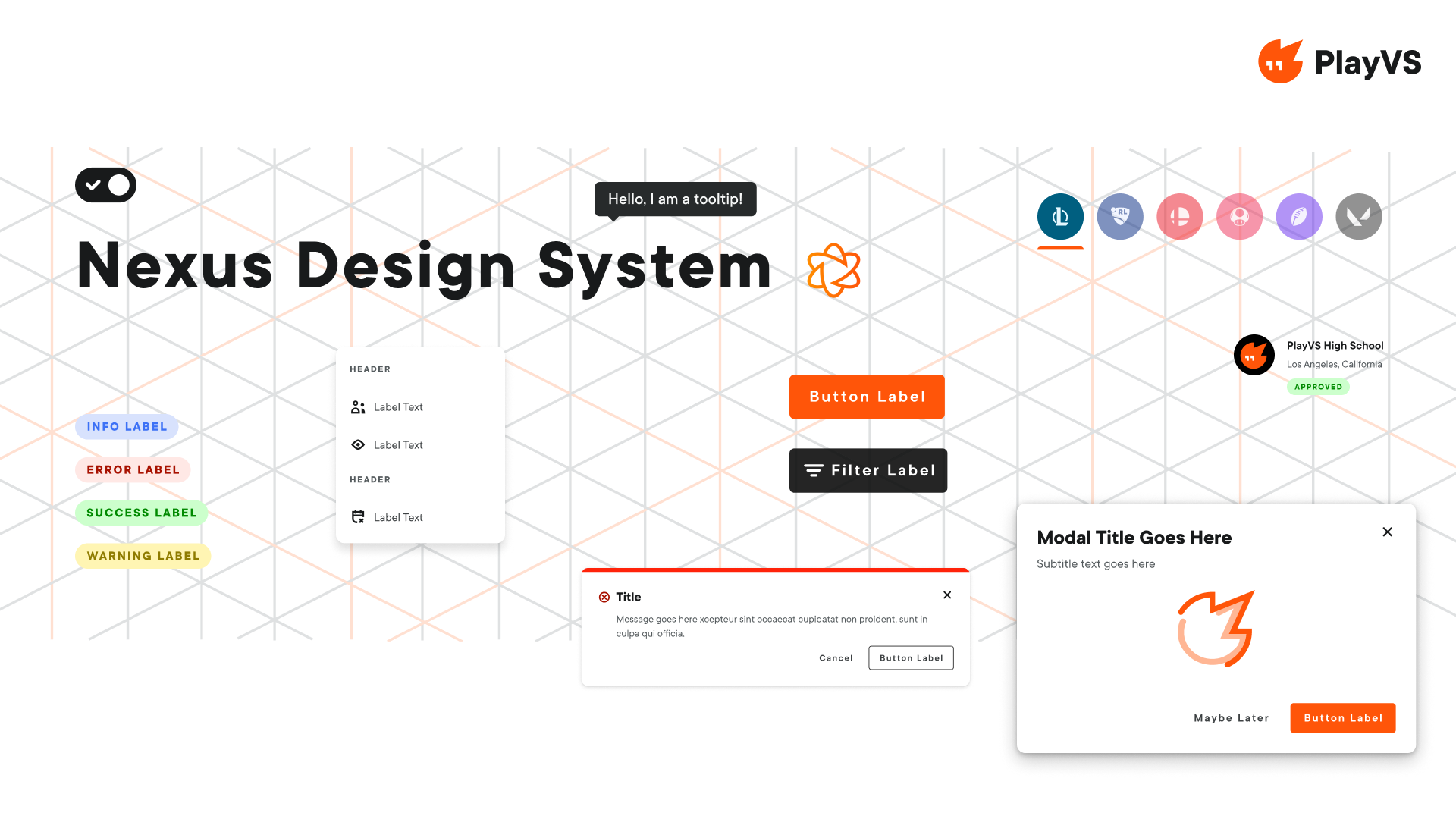
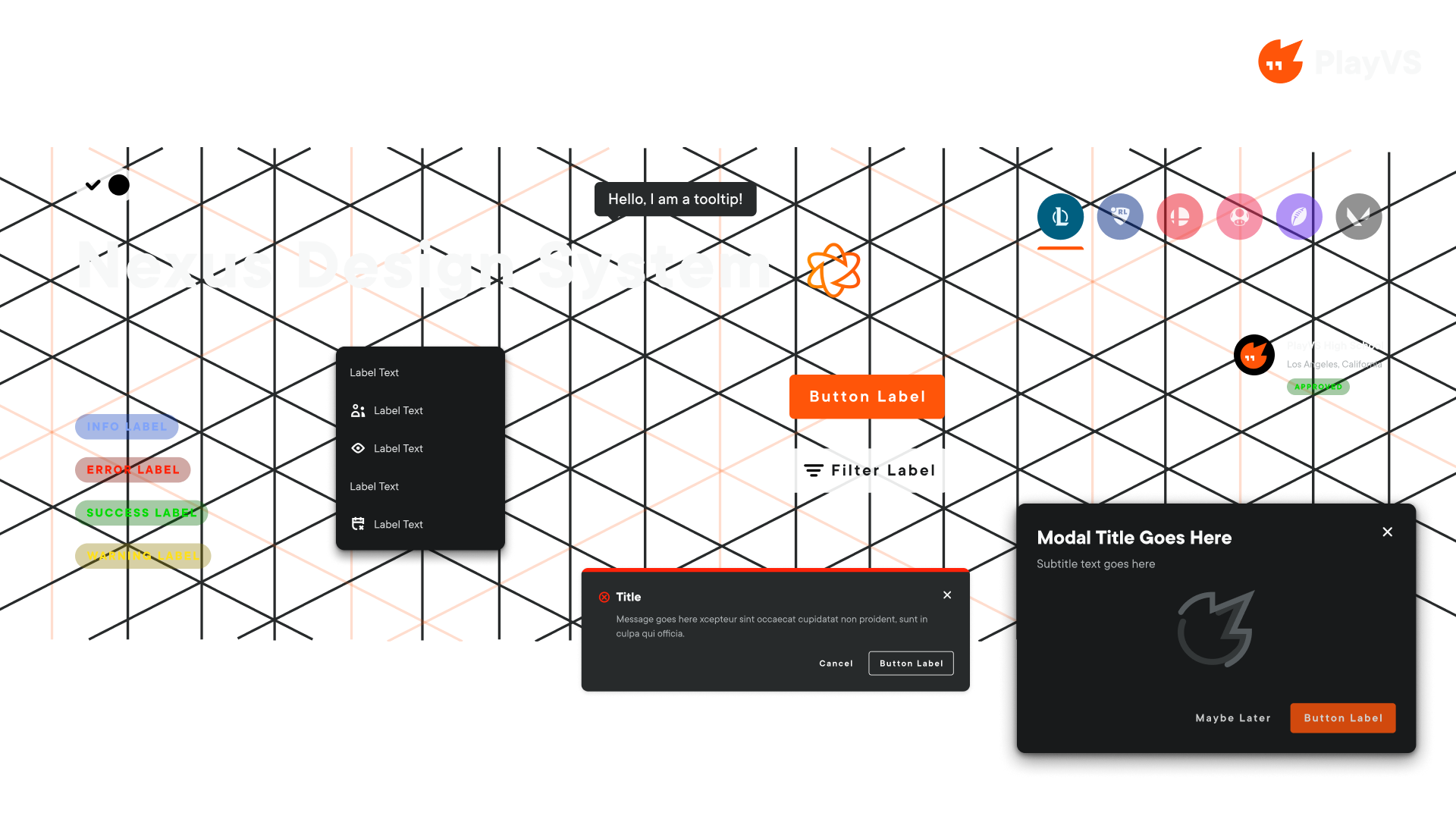
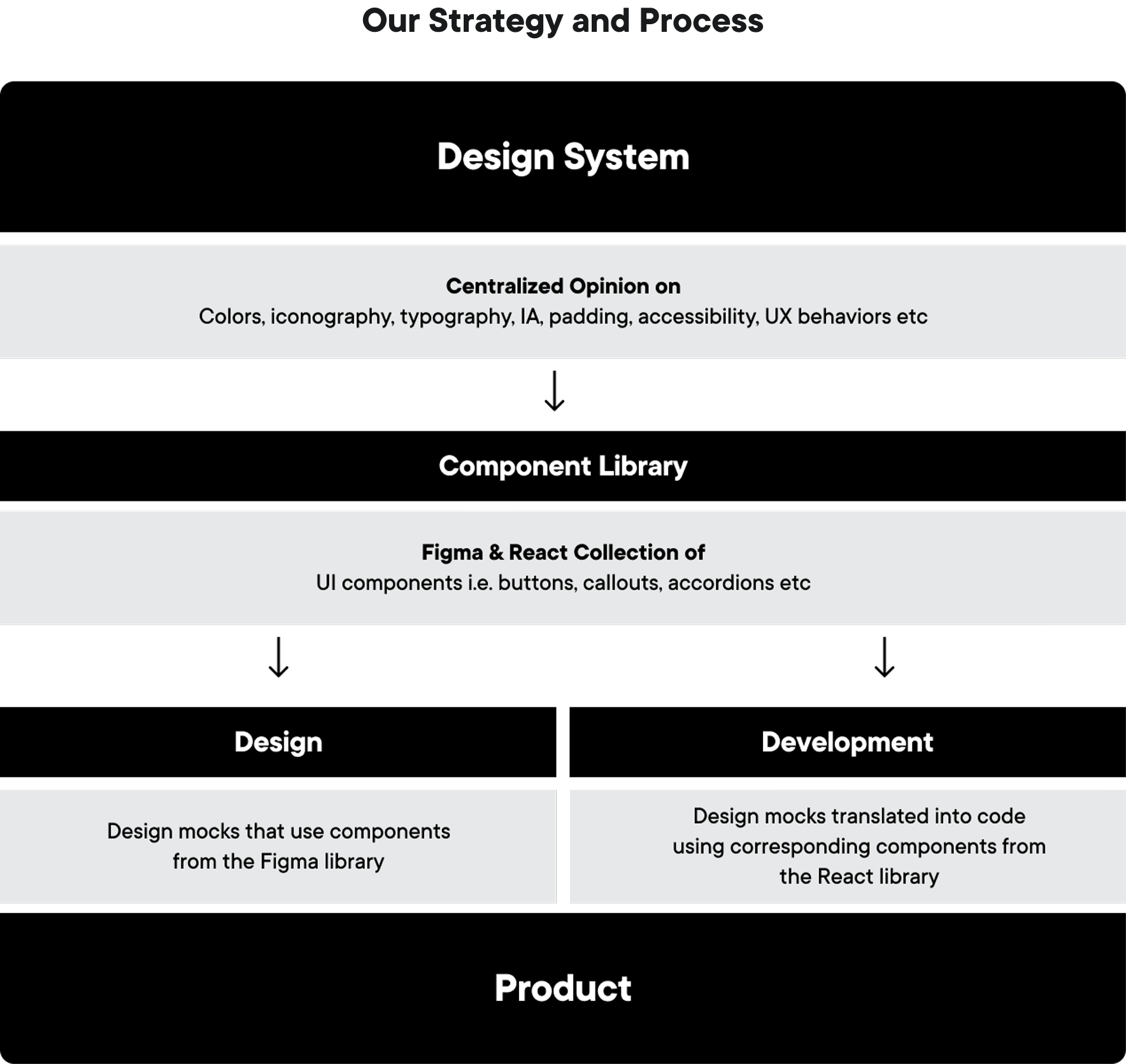
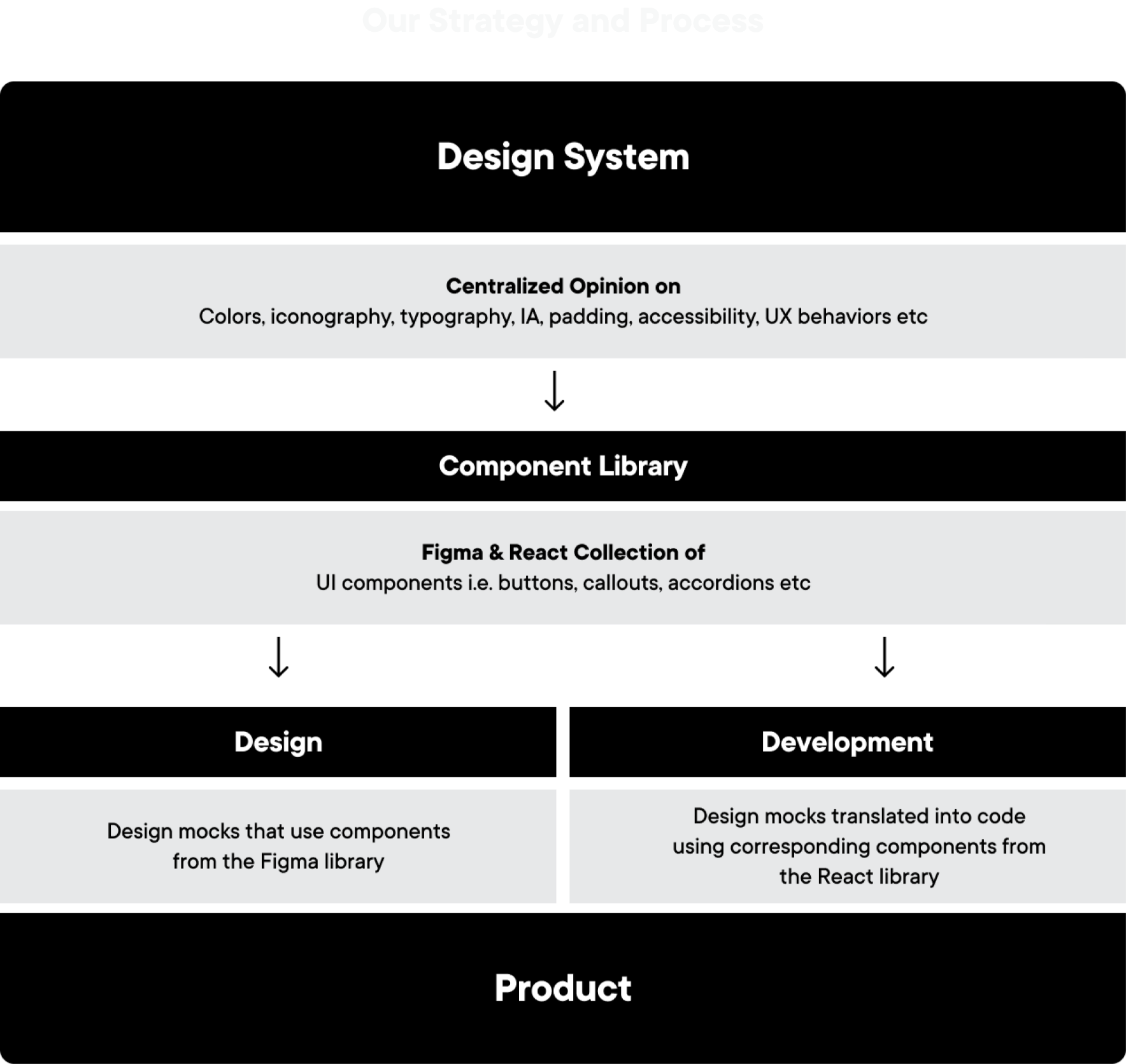
I established a shared pattern language across design and engineering, aligning four product teams around the same foundations, components, and implementation standards. This gave teams a consistent baseline for building UI without reopening the same decisions in every feature.
Project details
- Platform
- Figma & Storybook
- Team
- Product design · Front-end engineering · Product management
- Scope
- System strategy · Design tokens · Component design · Accessibility · Documentation · Adoption
- Duration
- 2022–2024
Impact
- 58+
- components builtReusable components documented across Figma and Storybook.
- 310+
- design tokensShared color, typography, spacing, elevation, and interaction decisions.
- ~35%
- faster UI deliveryAverage reduction in the time needed to design and build recurring interface patterns.
- 122
- system tickets resolvedTracked across component delivery, product audits, fixes, and adoption work.
01 · Context
Why we revamped the design system
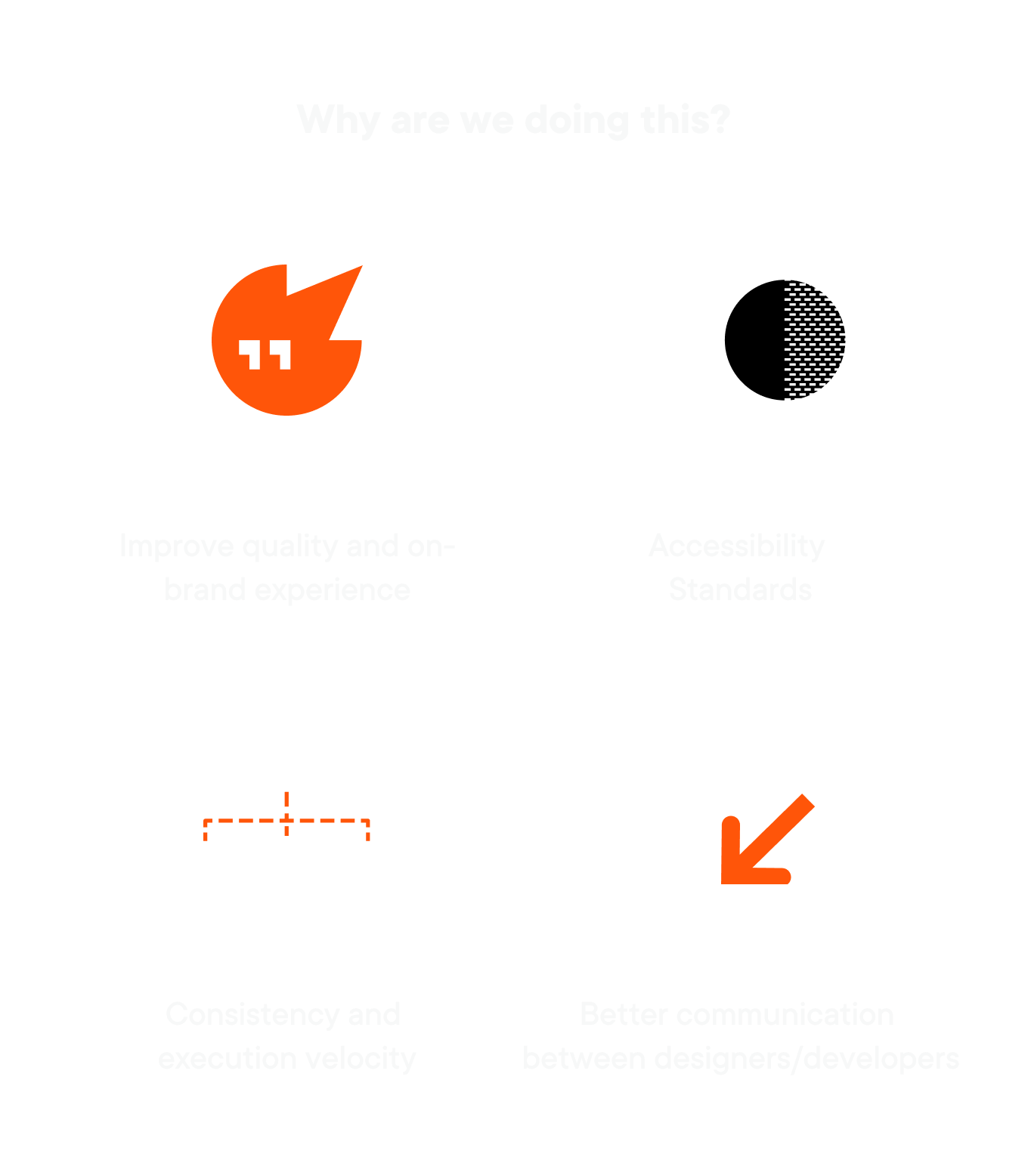
Basic decisions around color, states, accessibility, and component behavior were being revisited from feature to feature. We needed to raise the quality bar, make accessible patterns the default, and create a clearer path from design decisions to production.
02 · Our approach
How we solved this
- 01
Audit the product
Reviewed production UI and the existing library to map inconsistent patterns, accessibility gaps, and duplicated work.
- 02
Set shared principles
Defined empowering, engaging, inclusive, fun, and accommodating as the criteria behind system decisions.
- 03
Rebuild 300+ tokens
Standardized color, typography, spacing, elevation, and interaction decisions before expanding into core components and product patterns.
- 04
Align design and code
Partnered with engineering through Figma specs, Storybook implementation, cross-functional QA, and rollout.
03 · Foundations
Colors and themes
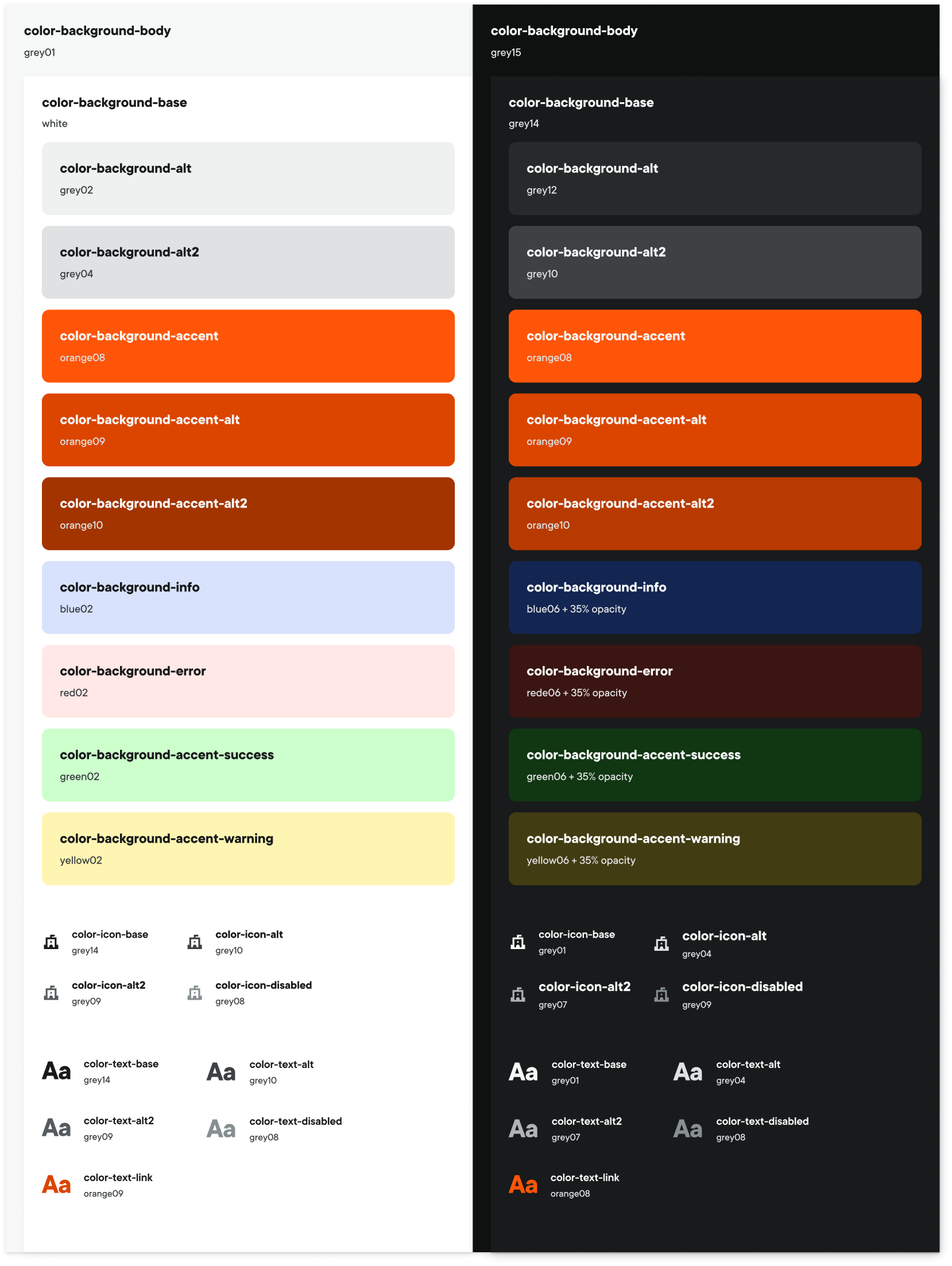
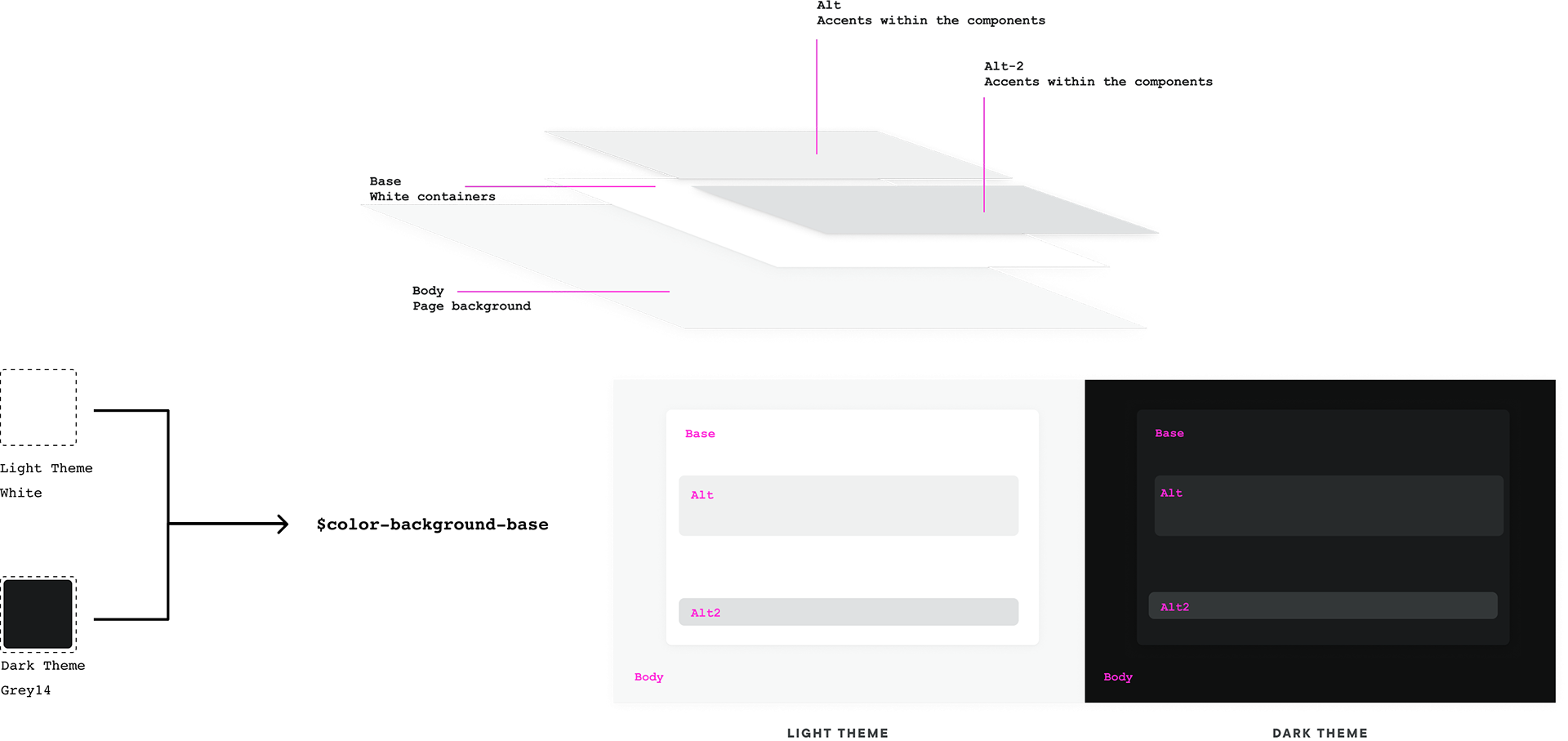
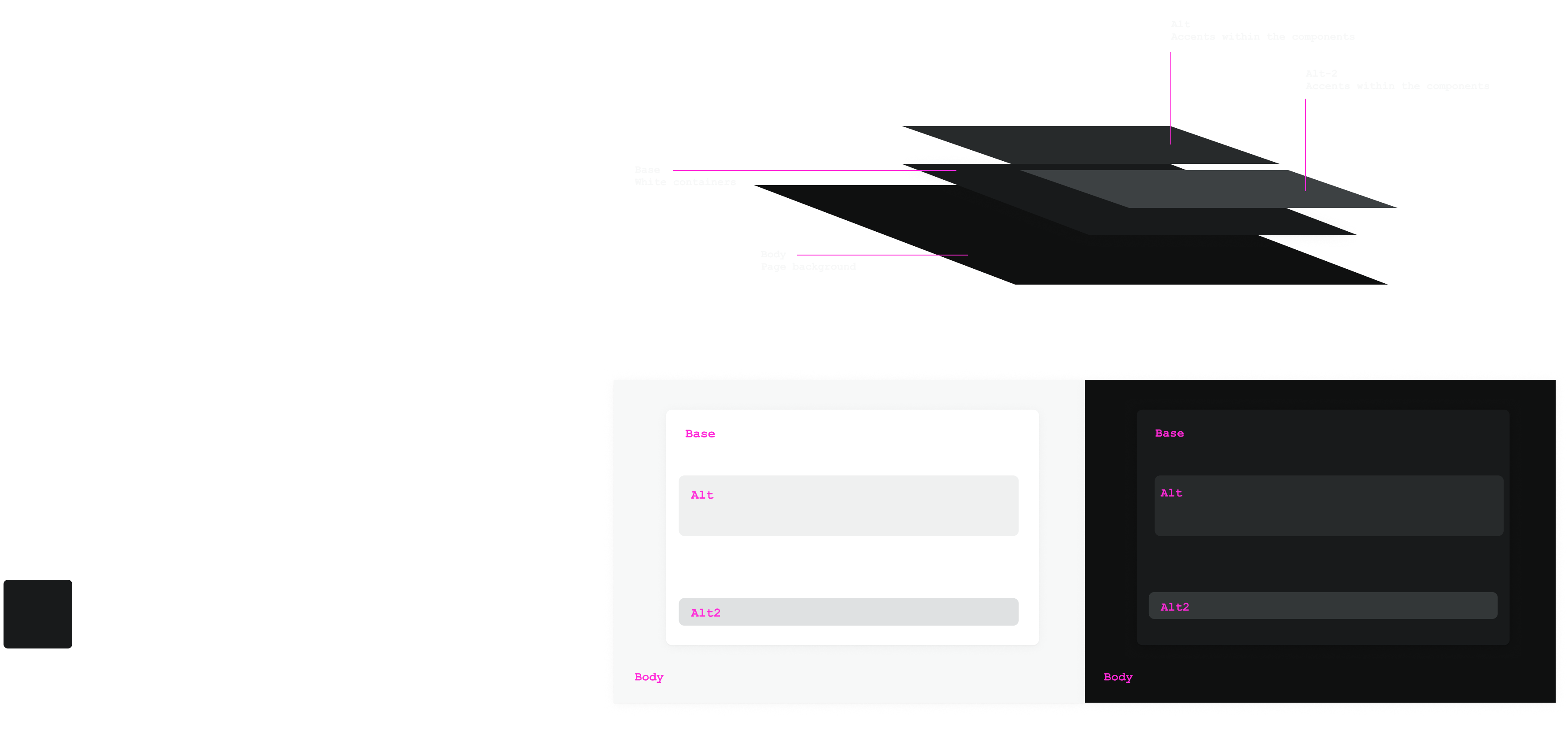
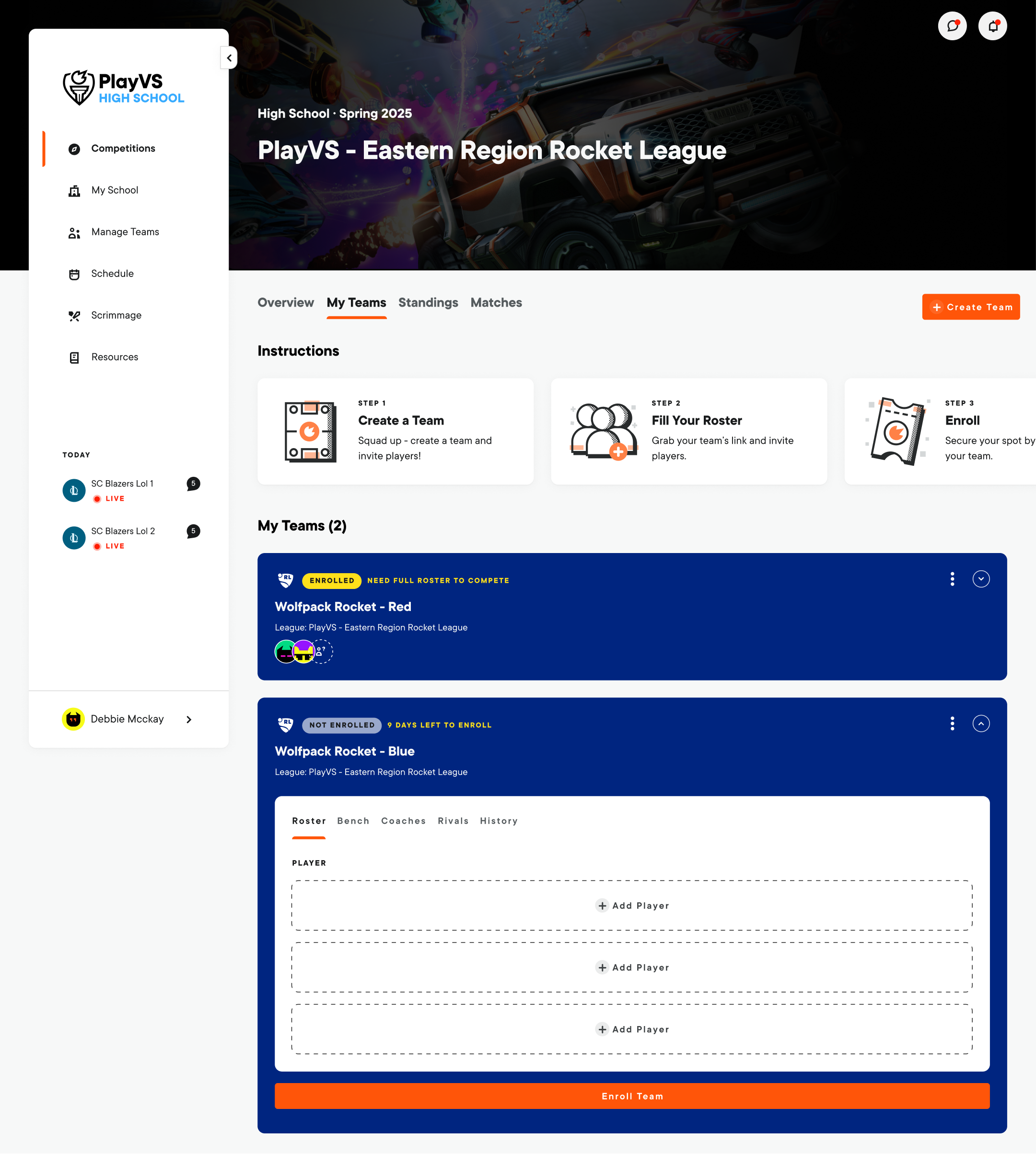
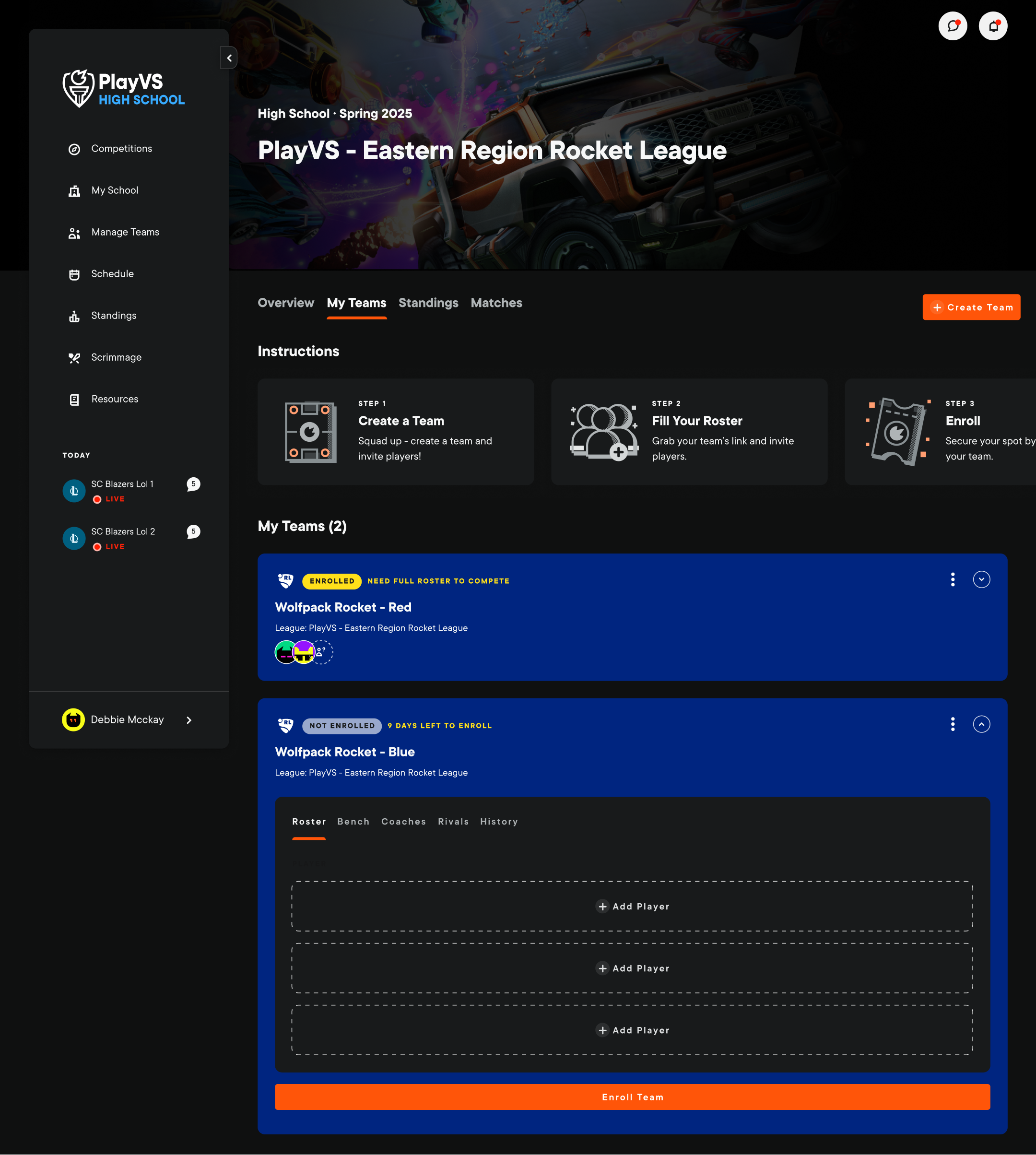
Color established the semantic foundation for Nexus. PlayVS UI is anchored by Brand Orange and Greyscale, so I rebuilt the palette using HSL (Hue, Saturation, Lightness). Keeping hue and saturation constant while varying lightness created a predictable tonal range that could scale across themes, states, and product surfaces.

04 · Foundations
Accessibility
We considered accessibility while defining tokens and components, before patterns reached production. Contrast, interaction states, and content recognition became shared system rules that teams could apply consistently from design through implementation.
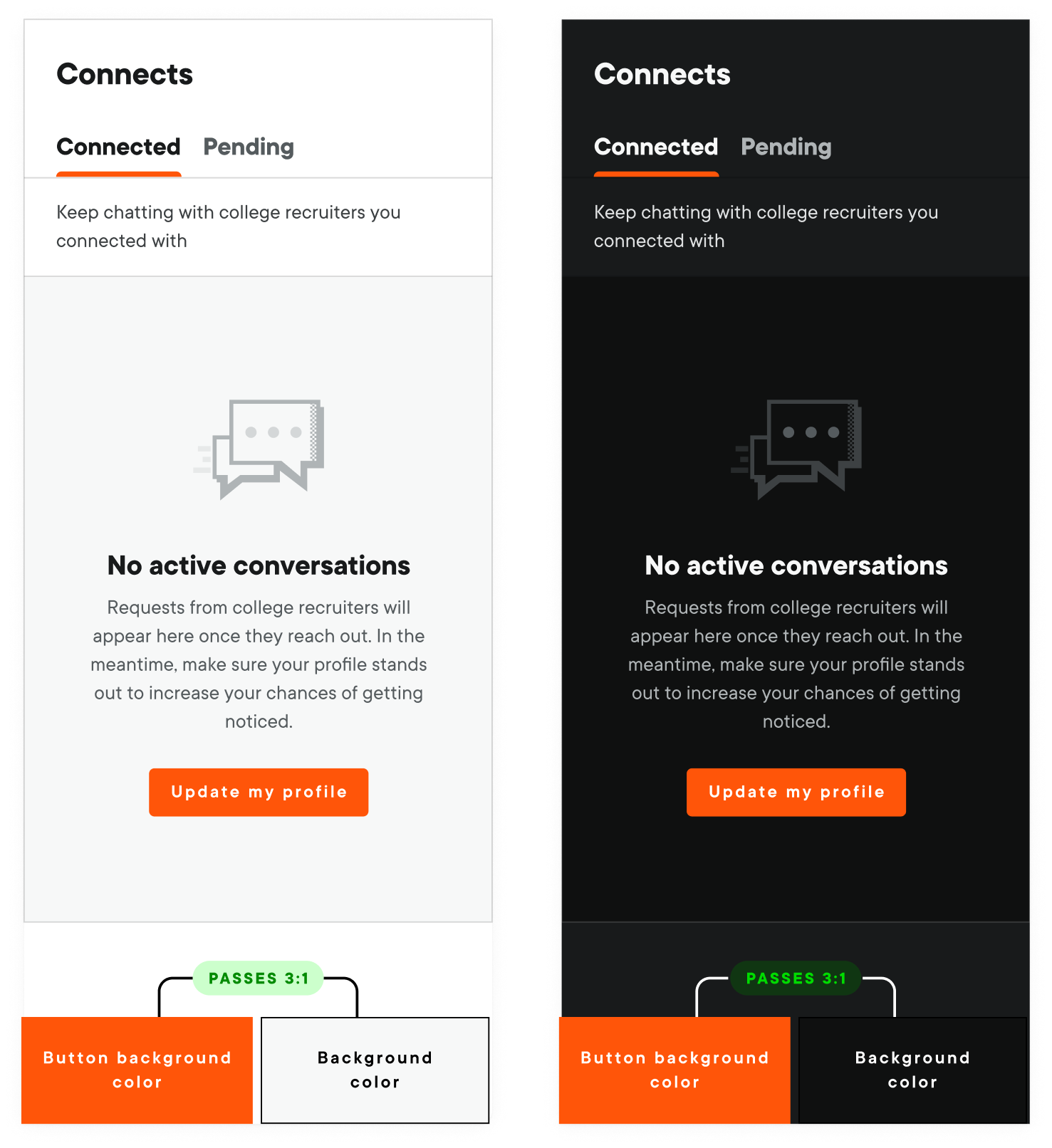
Color and contrast
Text and key icons meet WCAG AA, with AAA targeted where practical. Non-text UI elements maintain at least 3:1 contrast against their background.
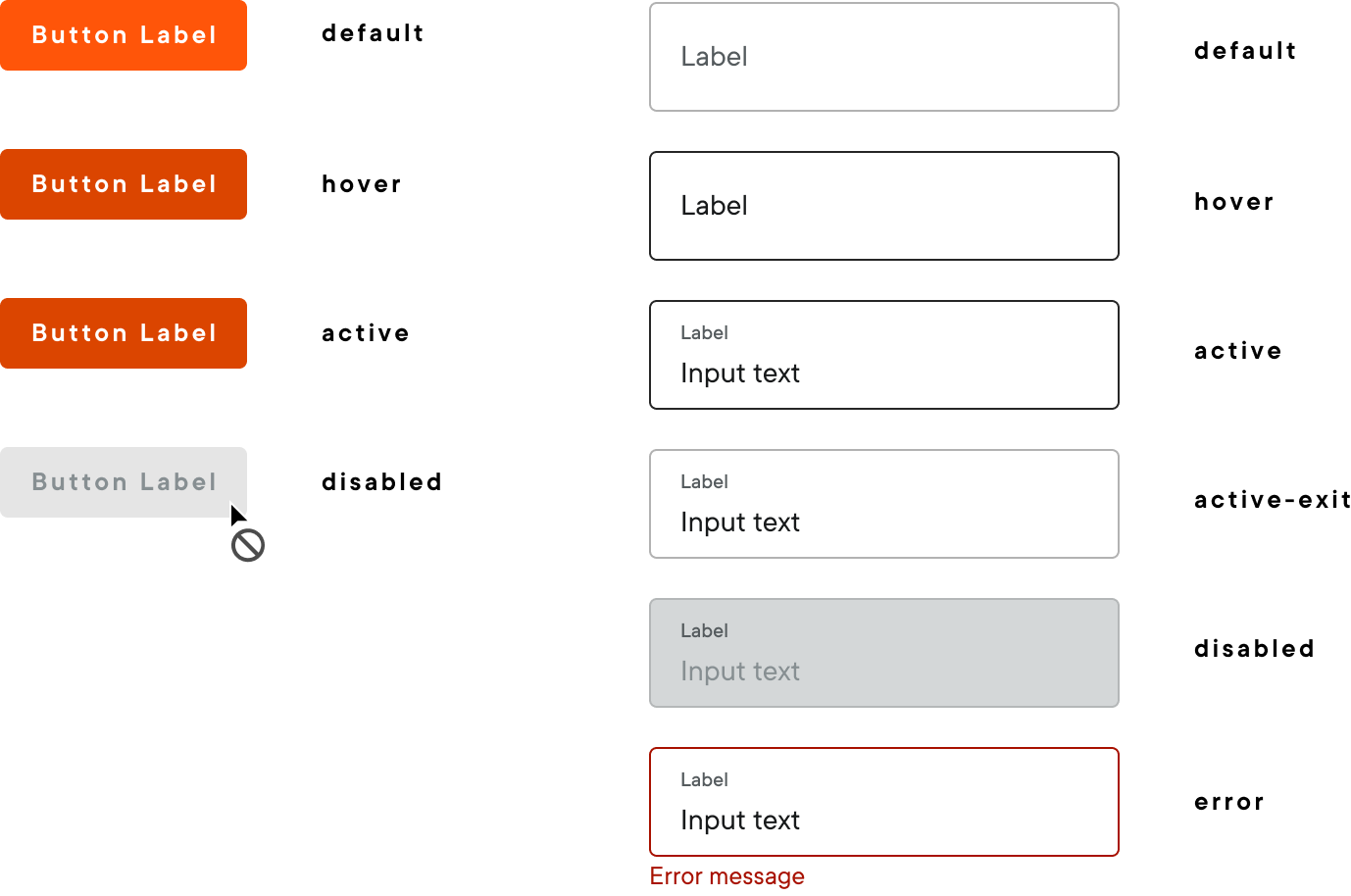
States and interaction
Hover, focus, active, error, and disabled states are defined for every interactive component across light and dark themes.
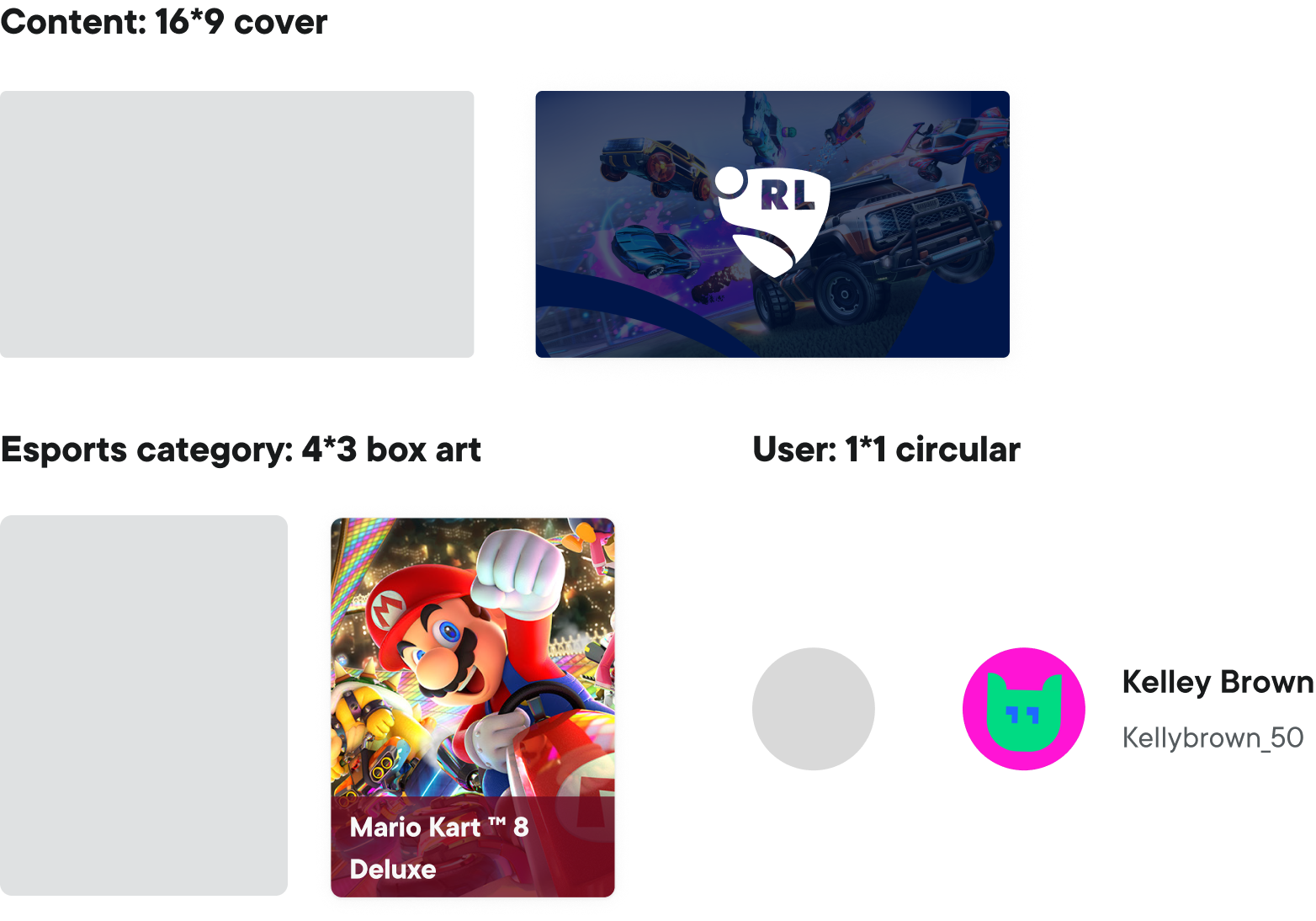
Content type by shape
Standard ratios make content recognizable before a label is read across covers, esports categories, and user avatars.
05 · Brand expression
Icons and illustrations
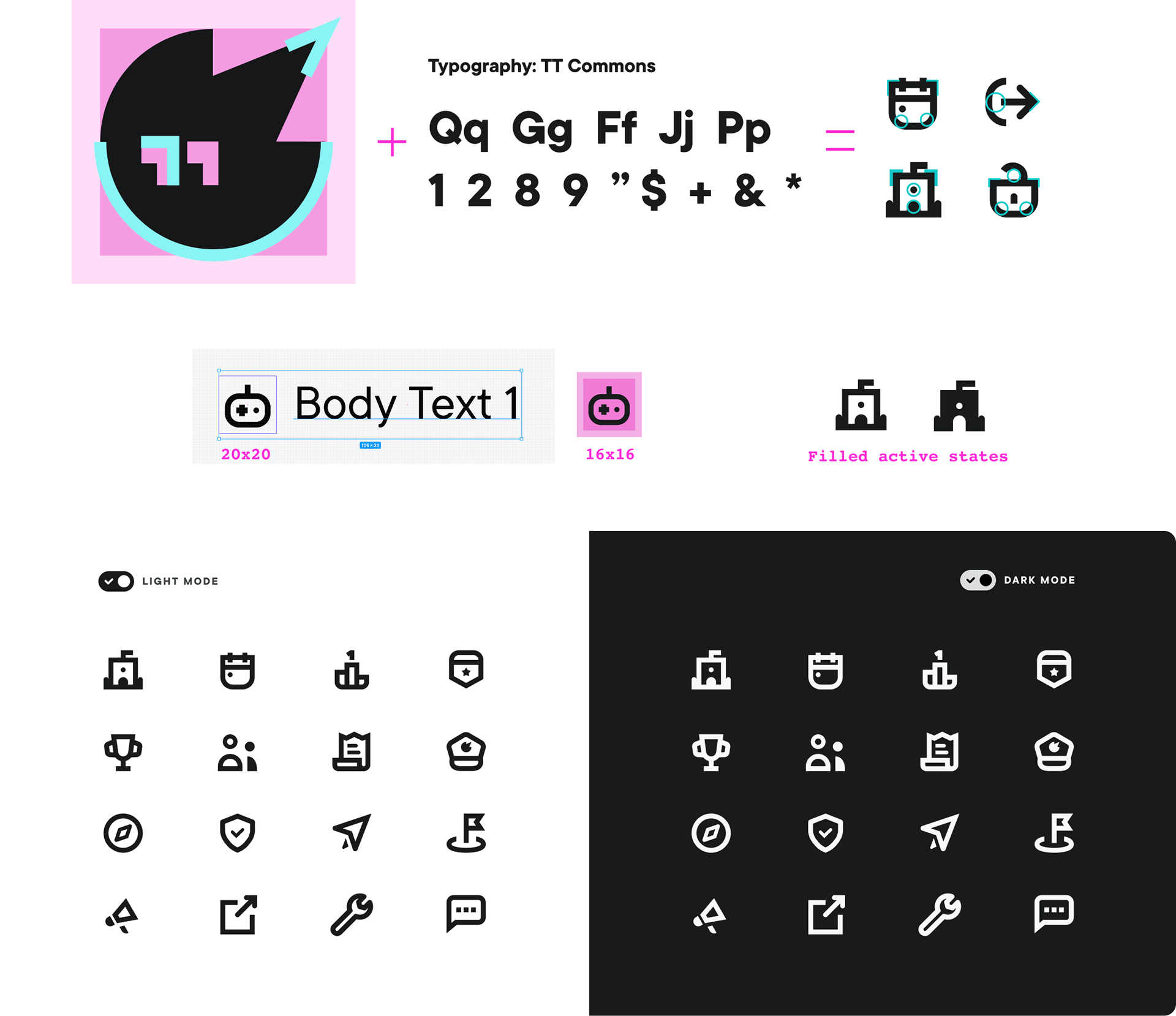
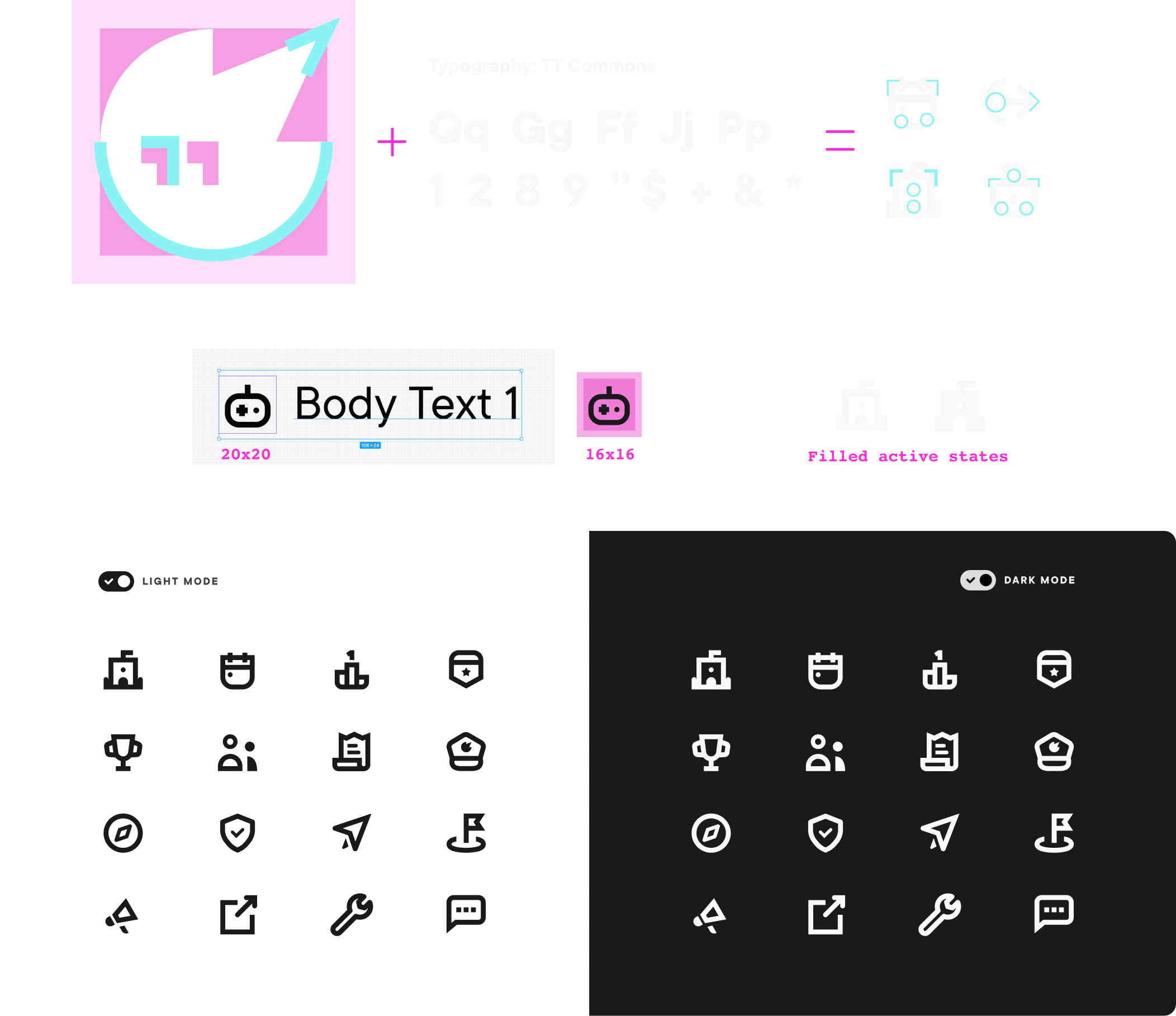
Icons
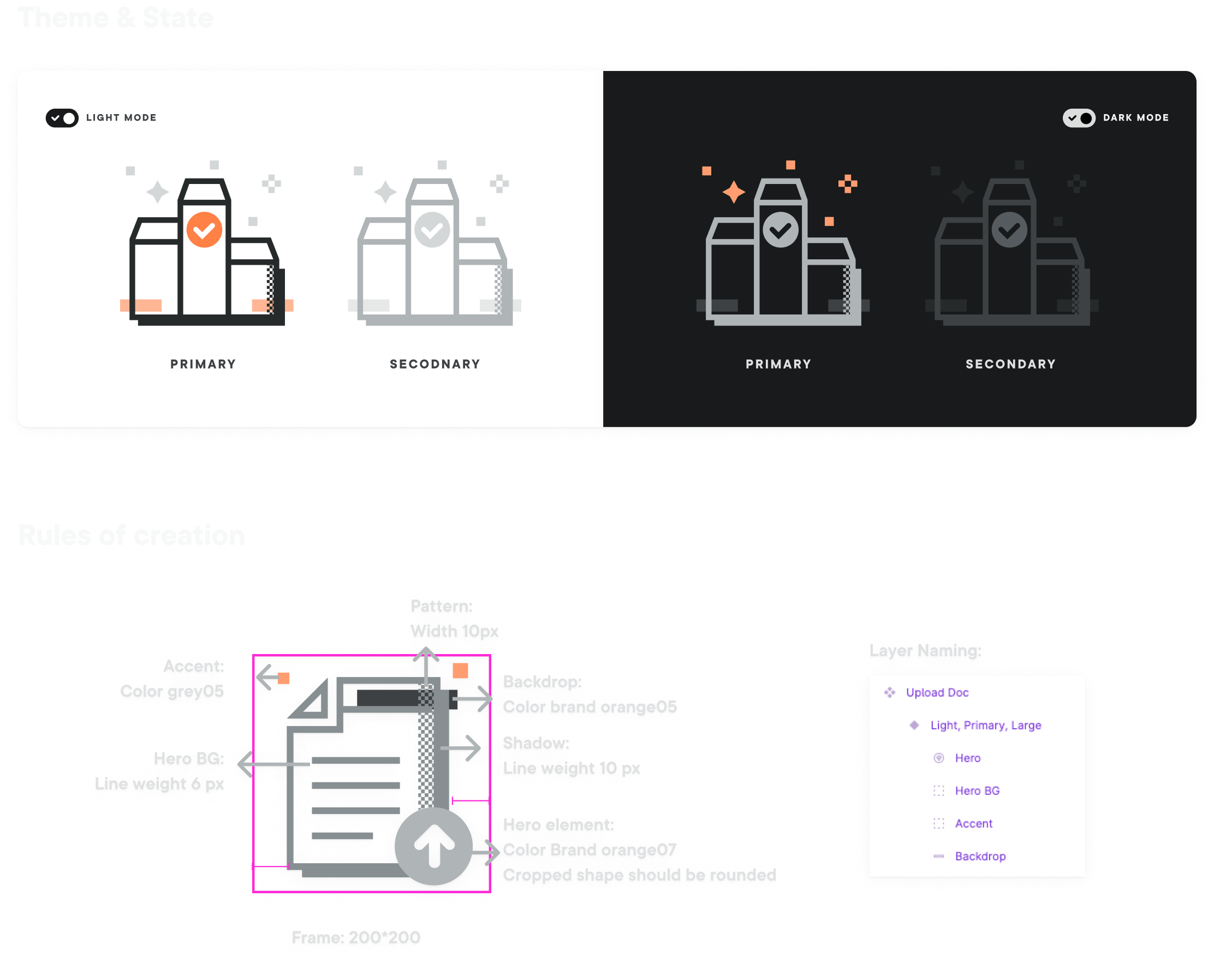
Sharp logo-inspired edges, softened corners, and controlled line weight made the set distinct while remaining clear at interface scale.
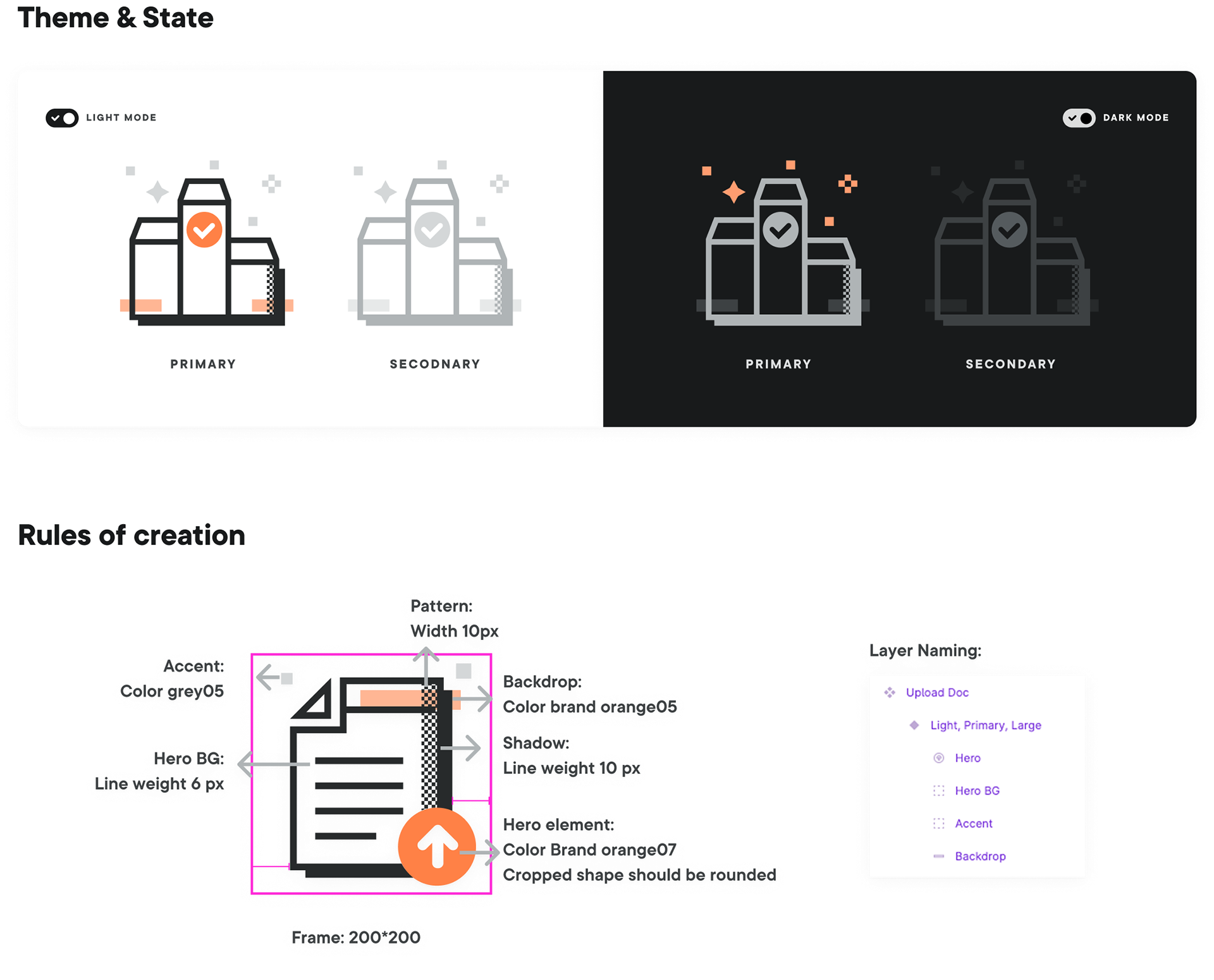
Illustrations
A shared construction system kept spot illustrations recognizable across empty states, onboarding, and announcements.
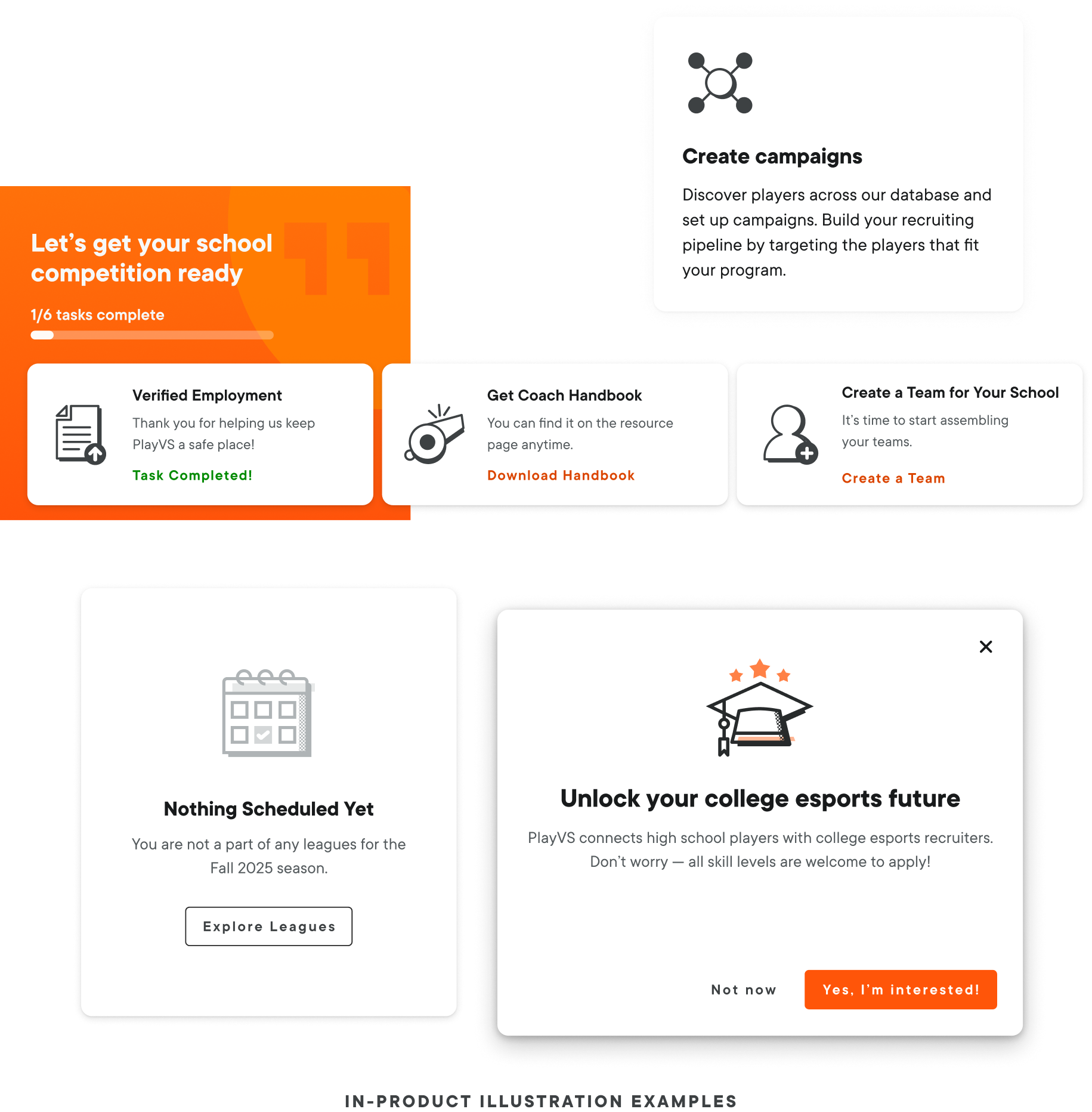
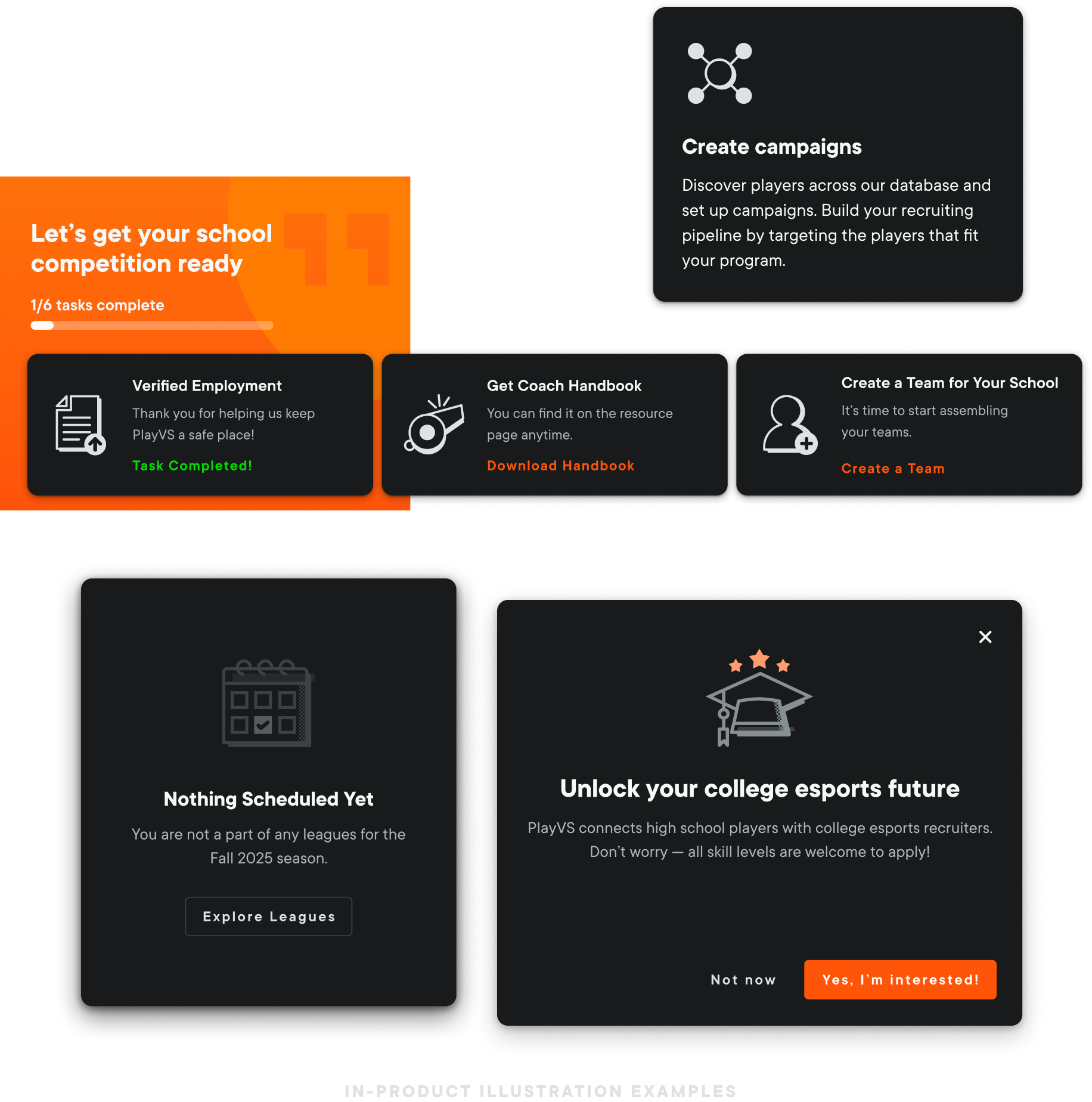
In-product examples
Icons and illustrations were evaluated inside real product surfaces to make sure they supported the interface without competing with the task.
06 · Style rules and component library
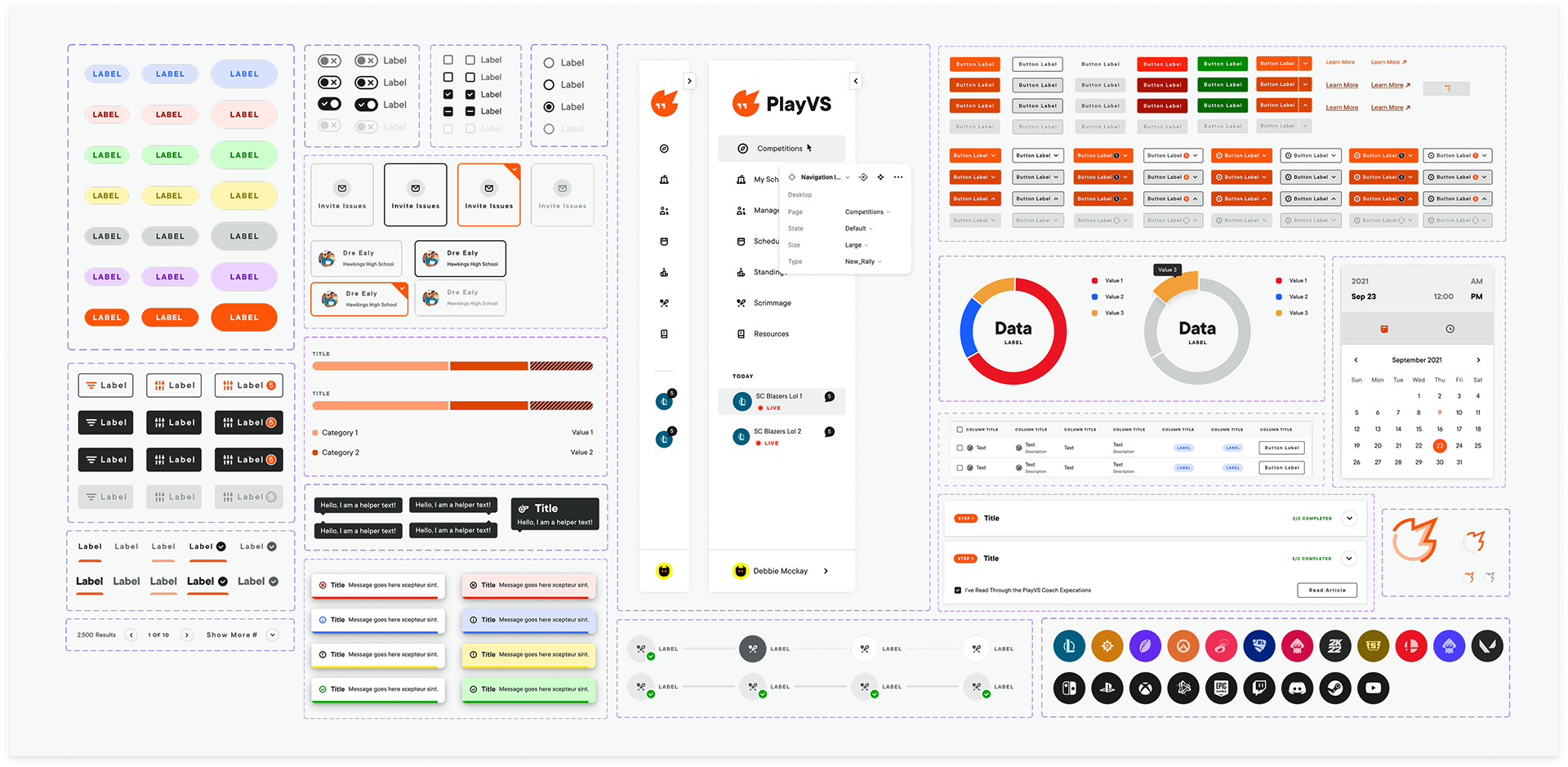
Once the foundations were in place, component design became a repeatable process that any designer could pick up and extend with confidence. The system scaled to 58+ production-ready components and 300+ design tokens.
07 · Delivery
Design for development
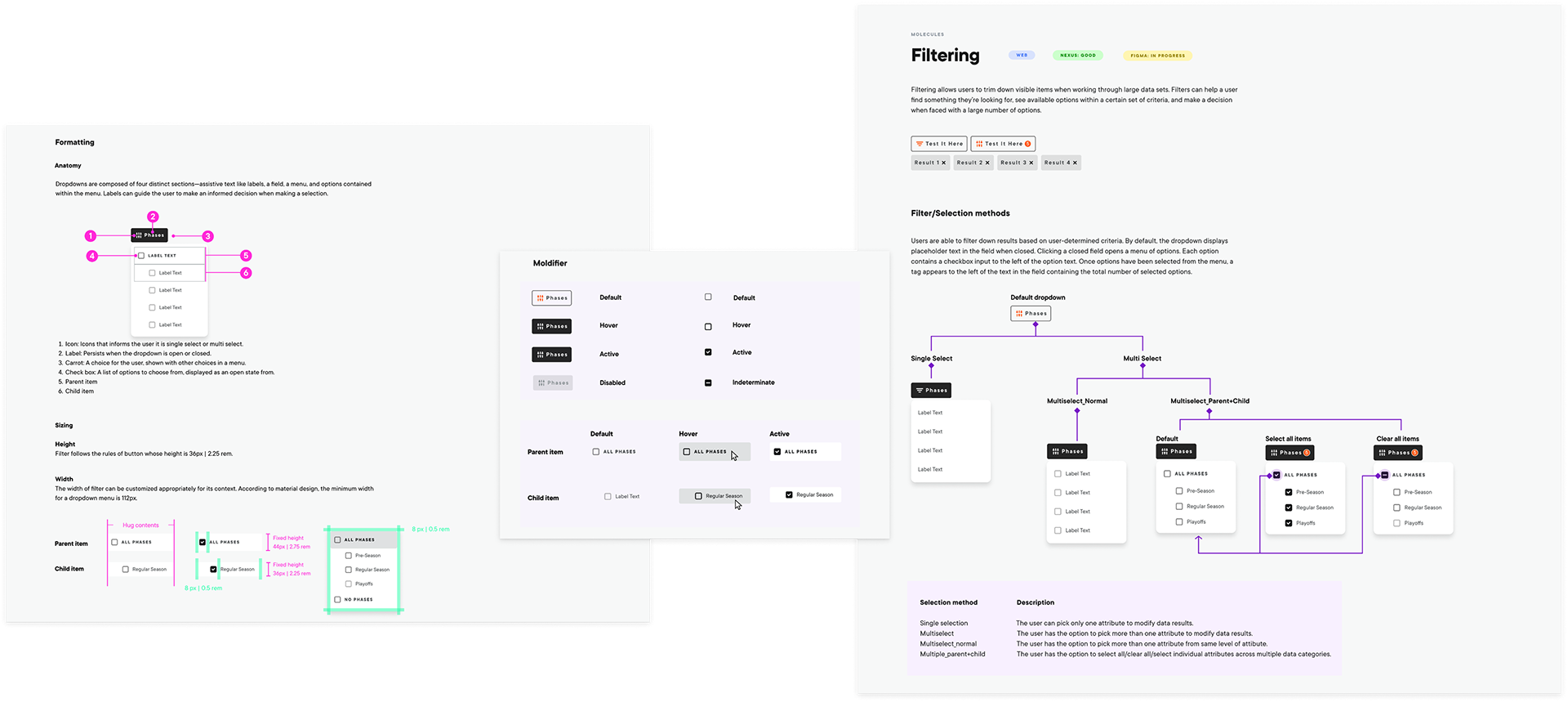
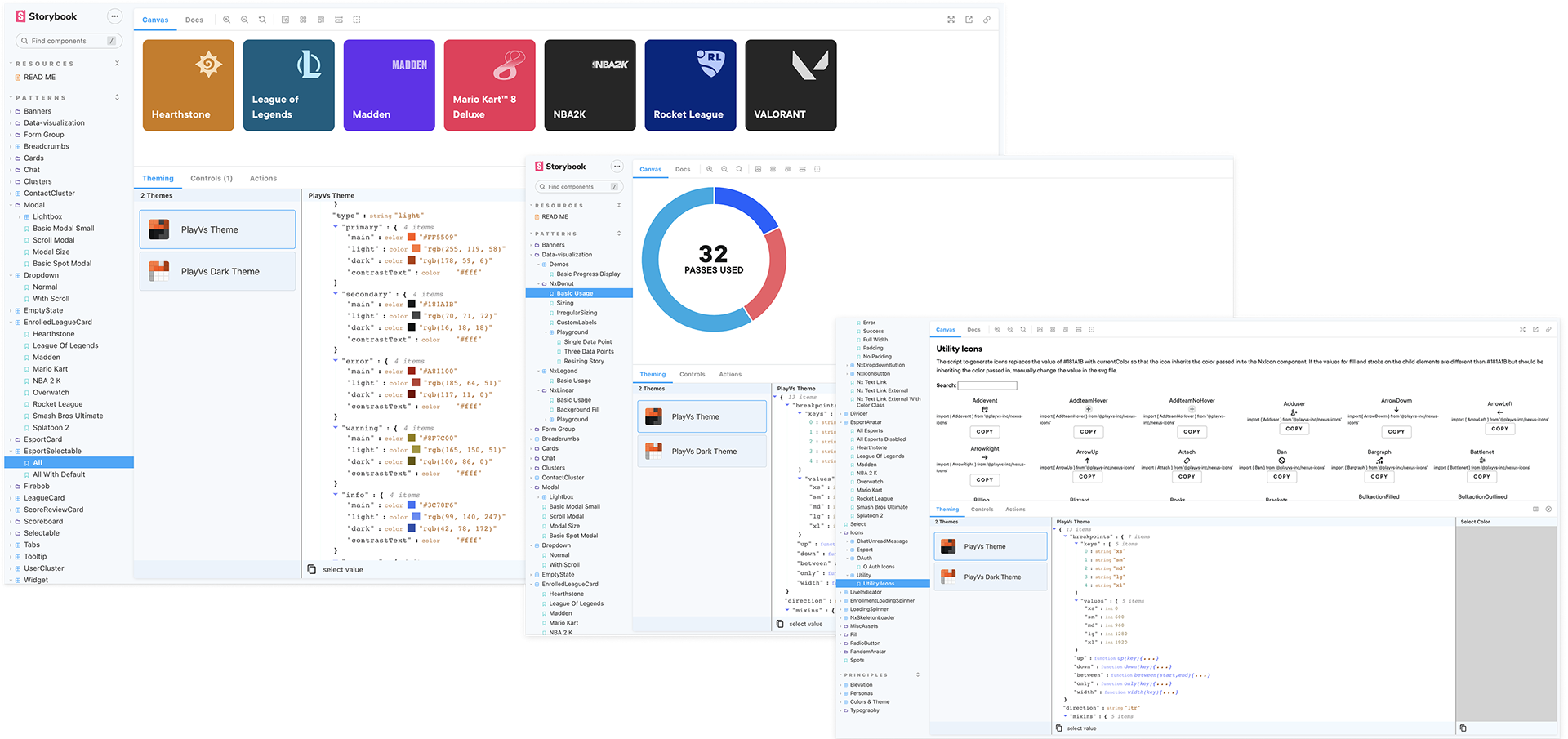
I translated system decisions into a clear implementation contract across Figma and Storybook. Each component carried its behavior, responsive logic, states, properties, and acceptance criteria, giving design and engineering one shared source of truth from build through QA.
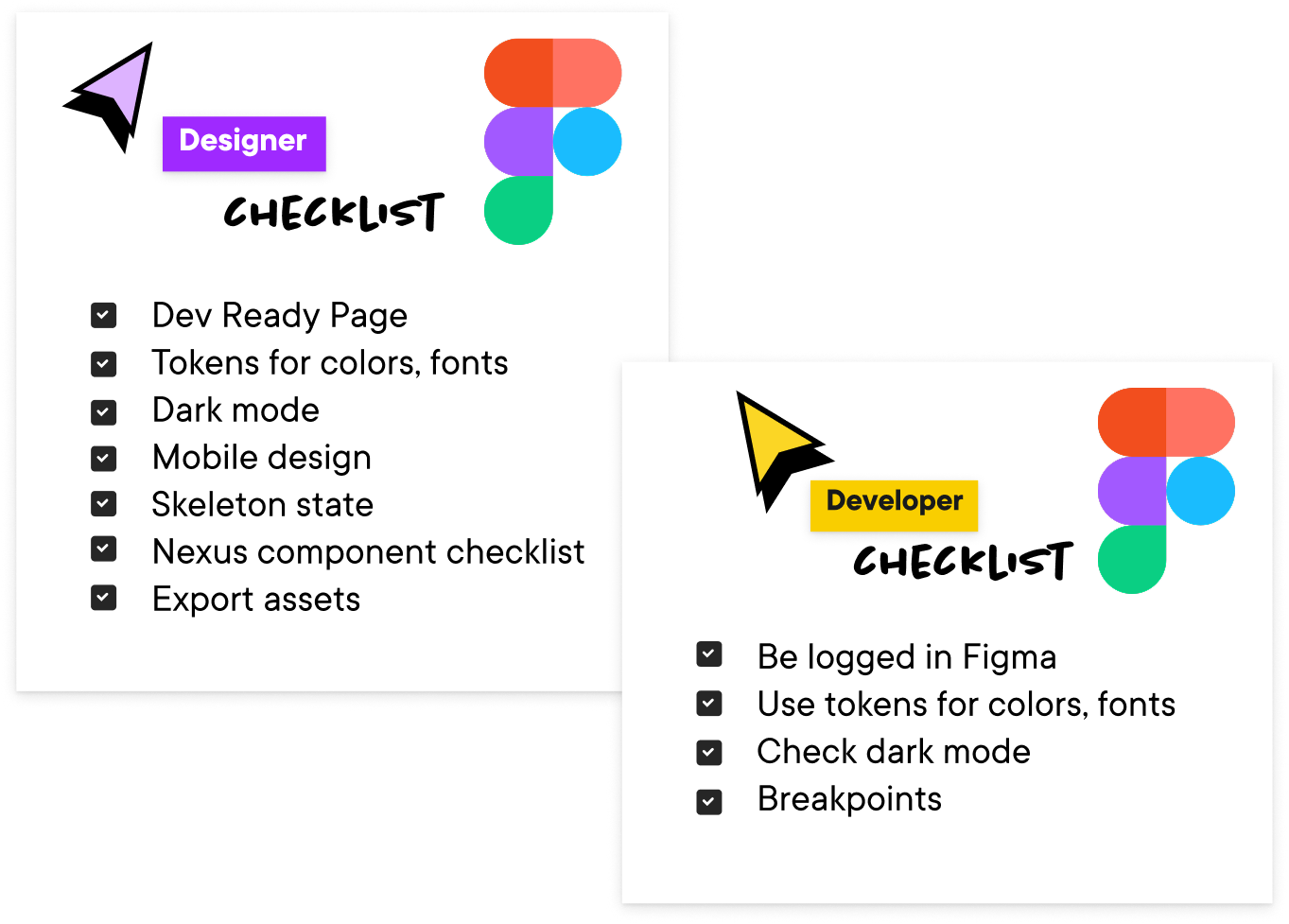
Design and engineering checklists
I considered tokens, responsive behavior, interaction states, mobile patterns, Storybook controls, and code parity as part of the design work. Parallel checklists for design and engineering kept handoff, QA, and release aligned.
08 · Adoption + governance
Shipping Nexus in every sprint
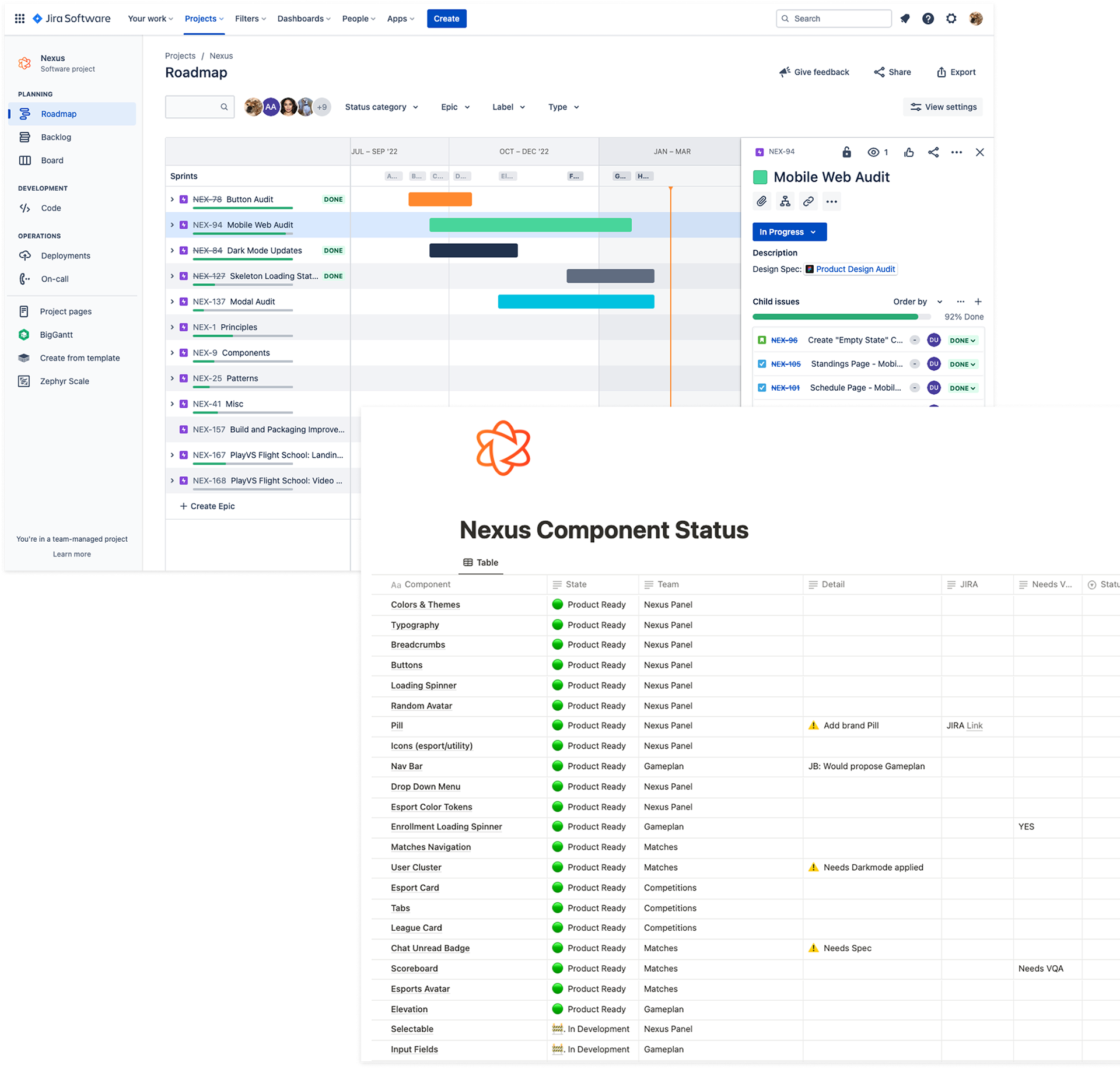
Design system work competed with feature work, so it had to earn a place in the roadmap. I worked with product and engineering to scope one to three Nexus improvements into each sprint, small enough to ship alongside planned features.
Product audits and component gaps became Jira tickets. Notion held the broader view of what was ready, in progress, or blocked. Together, they kept the system moving without a separate governance process.
09 · Reflection
What I would change today
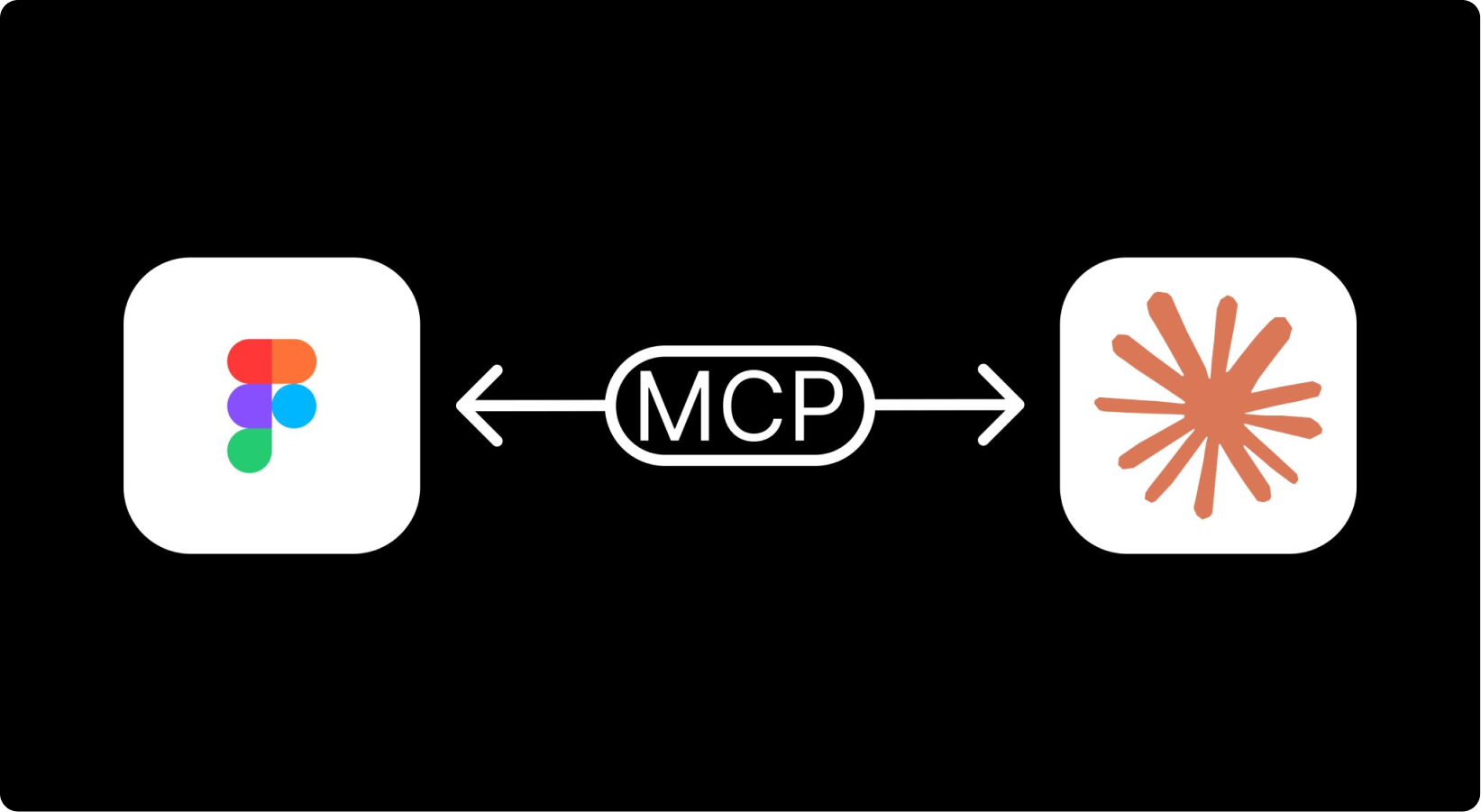
Nexus was built in 2023–2024. Today, I would use Figma MCP and AI agents to handle more of the repetitive work behind building and maintaining the system.
Scale from a core palette
Previously, every token had to be created and mapped one by one. With Figma MCP, I could define a core palette, expand it into a complete token system, publish the variables in Figma, and generate the corresponding JSON for engineering.
Automate system maintenance
AI can compare Figma variables, component properties, and production code to flag drift, missing states, and inconsistent usage before they spread across products.
Keep documentation current
Usage guidance, states, and implementation notes can be generated from the same source as the component, so documentation evolves with the system instead of becoming a separate maintenance task.
Removing repetitive system work gives me more time to focus on strategy, quality, and adoption.
See how I apply AI to the design system for SportsMax AI →